Translate
Showing posts with label gaming. Show all posts
Friday, April 3, 2020
A Night In Kyosaka
Good news! Skyride Studios has started work on a new visual novel game! "A Night In Kyosaka".
Our production pipeline will go as follows: Demo--Funding--Full game-- Release.
Our goal will be to premiere our finished game at 2021 Anime Expo along with a booth in Artist Alley where we will sell physical copies of the game. (More on that as the game progresses)
This game will be very different than Neon Tide was as we are implementing a more interactive approach along with fully voiced and animated 2D, hand-drawn characters. Since our hiatus, after launching Neon Tide, we have been working hard figuring out gameplay mechanics while creating a story we think a lot of you will be interested in.
We will showcase those ideas throughout the coming year and a half of production. Until then, stay safe and healthy and we will be back again soon!
Monday, October 15, 2018
Looking Back at Neon Tide
As we get closer to the end of the year we like to reflect on the progress we have made with our visual novel game. Here's a few shots we like best:


There's obviously a lot more than just those, but we can't spoil everything for you, now can we? Haha.
If you've been wondering what the mystery counter on our front page is counting down to (www.skyridestudios.com) it's counting down to the day we start our kickstarter for this game.
Unlike most kickstarters, we aren't promising that our game will be finished in a year or two. We will only need 4 months to finish it off once the kickstarter is over. If you donate to our kickstarter, you'll have the game a full month before we release it anywhere else. Sounds like a good deal, yeah?
More details of that to come in 2019. Right now we are on auto as we crank out the rest of the story and finish off the music.
Happy Halloween as you probably won't hear from us til sometime after.
-end transmission-


There's obviously a lot more than just those, but we can't spoil everything for you, now can we? Haha.
If you've been wondering what the mystery counter on our front page is counting down to (www.skyridestudios.com) it's counting down to the day we start our kickstarter for this game.
Unlike most kickstarters, we aren't promising that our game will be finished in a year or two. We will only need 4 months to finish it off once the kickstarter is over. If you donate to our kickstarter, you'll have the game a full month before we release it anywhere else. Sounds like a good deal, yeah?
More details of that to come in 2019. Right now we are on auto as we crank out the rest of the story and finish off the music.
Happy Halloween as you probably won't hear from us til sometime after.
-end transmission-
Labels:
3ds max,
android,
androids,
blade runner,
composer,
composing,
cyberpunk,
Dark City,
gaming,
holograms,
kickstarter,
lights,
main character,
robots,
visual novel,
visual novel maker,
visuals
Wednesday, January 28, 2015
Lady Lynn and Lag.
Hello one and all. Sorry for the delay in updates but to be honest, we've all taken a light break at the beginning of the year, regrouped, reassessed and are now back on track working harder than ever.
Lets start off with concept art, since it's pretty amazing. We have a new character concepted out and they are kinda a big deal. This character literally owns the entire city in which our story takes place and they were one of the very first character I came up with while writing the story. I'm proud to introduce, Lady Lynn:
Here I've added a small fishing dock and lantern. I'll add more fishing nets, rope, boats next. (this was just added a few minutes ago.)
The other additions that might go even more unnoticed is the lighting. Recently Cryengine has updated their lighting engine which meant all the work I had done making the world look pretty had changed and looked terrible. I had to go in and pretty much start from scratch finding out that reflections such as the rain on the ground being my most hardest to light. If not done correctly, the lighting looked really bad. I'm happy with the new outcome and can't wait to show you more as I add more along.
Hope this small post was worth the wait. Check back in with us soon for some more music, concept art, and additions!
Lets start off with concept art, since it's pretty amazing. We have a new character concepted out and they are kinda a big deal. This character literally owns the entire city in which our story takes place and they were one of the very first character I came up with while writing the story. I'm proud to introduce, Lady Lynn:
Some interesting facts about her are she's a widow and one of the richest people in the world. Her wealth is everlasting and her late husband and her decided they wanted to build a Utopian like city where people could live in peace. After her husbands untimely accident, she became grief stricken and locked herself away in her mansion, abandoning the city to gamblers, druggies, prostitutes, murders, hackers, etc.
I'm excited to see her come to life as well as so many of the other characters. Which brings me to me next topic: the city coming to life.
Here is the latest screen grab from out game. I've recently started adding props into the world and it's scary how much it grows as the world begins to come together. Check it out:
If you can't tell, I've added barrels, sconces, a sign and a lot of fishing net around this quaint little fishing shop.
Here I've added a small fishing dock and lantern. I'll add more fishing nets, rope, boats next. (this was just added a few minutes ago.)
The other additions that might go even more unnoticed is the lighting. Recently Cryengine has updated their lighting engine which meant all the work I had done making the world look pretty had changed and looked terrible. I had to go in and pretty much start from scratch finding out that reflections such as the rain on the ground being my most hardest to light. If not done correctly, the lighting looked really bad. I'm happy with the new outcome and can't wait to show you more as I add more along.
Hope this small post was worth the wait. Check back in with us soon for some more music, concept art, and additions!
Labels:
3ds max,
Building,
candle,
concept,
concept art,
cryengine,
cryengine 3,
gaming,
lady Lynn,
lights
Tuesday, December 24, 2013
Pics and clicks
Hey all, been busy as usual. Lots of interesting things happening on this front. So far a few set backs. Firstly, we've updated our game engine (still Cryengine 3) but since they restructured the innards, we are doing a rehaul on the level. Cleaning things up and making them look better than ever. I've managed to start the opening first level out in a forest during sunset and as you follow the trail over to a overlook, the sun starts to go down and by the time you reach the city at the bottom, it will be nighttime and the city will be thriving with people/stores/etc. Since they've upgraded the engine, that means more better features and beautiful scenery so here is a screenshot (untouched in photoshop or anything) of the lookout point where you will see the whole city at the start of the game:

As of now, the new engine supports flares (lighting and sun) which is awesome for us cause we will have plenty in the game (not as many as JJ Abrams or anything but subtle and mostly used in a color correction sort of way.......you'll see.)
Also our composer Luis has been hard at work still making some BEAUTIFUL music for the game. Here is a new song and one you will hear a lot in different variations throughout the game. It's the main characters theme song:
We are super excited and have a few surprises for 2014 so keep a eye out and we will keep working hard on our end. Happy Holidays from all of us here at Skyride Studios and we hope you all will have a fantastic new year!
As of now, the new engine supports flares (lighting and sun) which is awesome for us cause we will have plenty in the game (not as many as JJ Abrams or anything but subtle and mostly used in a color correction sort of way.......you'll see.)
Also our composer Luis has been hard at work still making some BEAUTIFUL music for the game. Here is a new song and one you will hear a lot in different variations throughout the game. It's the main characters theme song:
We are super excited and have a few surprises for 2014 so keep a eye out and we will keep working hard on our end. Happy Holidays from all of us here at Skyride Studios and we hope you all will have a fantastic new year!
Labels:
City,
composer,
cryengine,
cryengine 3,
flare,
gaming,
lens flare,
music,
Sunset,
the current
Tuesday, June 11, 2013
City of Lights
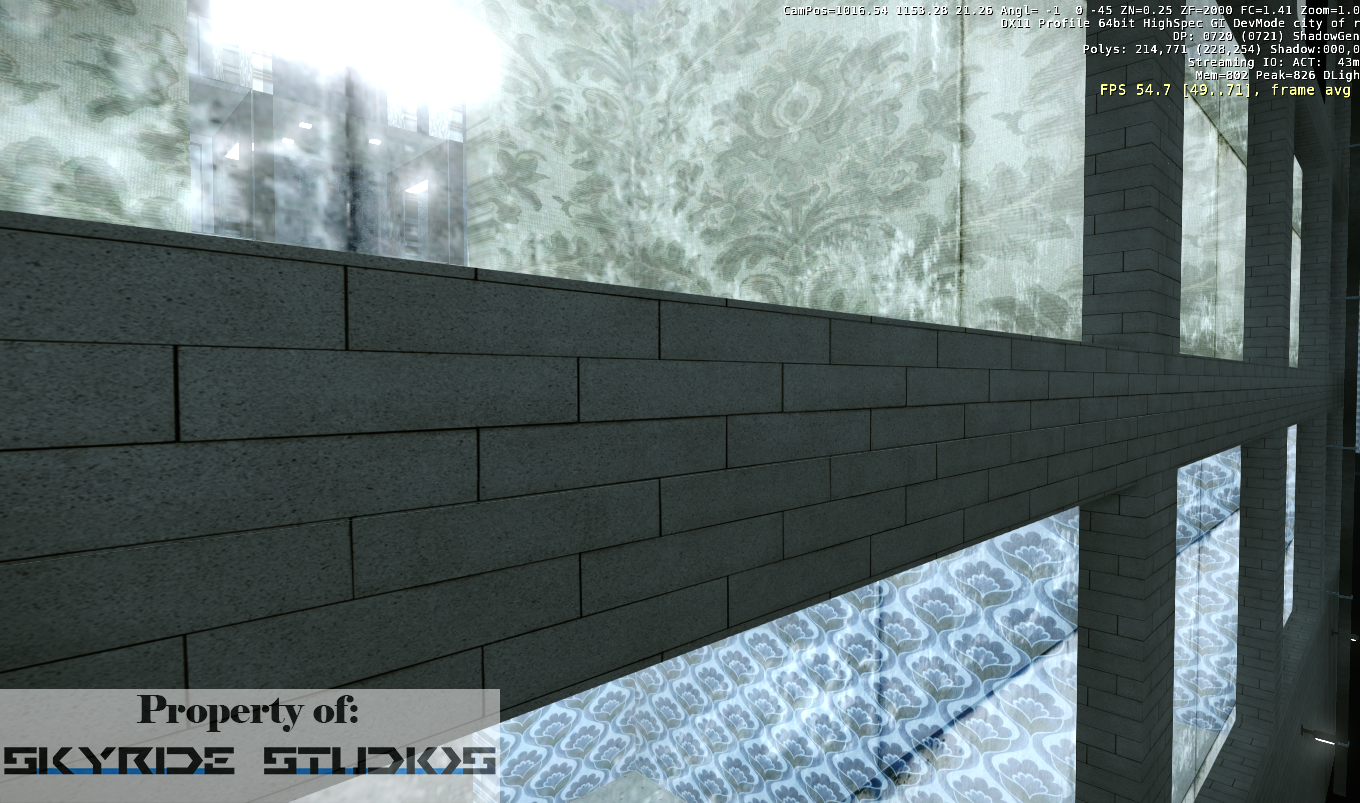
Here are a few images from the status of the project. I have probably about 4 more buildings to create before I can start getting into the design of the city and also work on the textures of the buildings. Enjoy.
Labels:
3ds max,
City,
develop,
flare,
gaming,
lights,
modeling,
Skyride,
Studios,
video game,
virtual buildings
Friday, March 1, 2013
Shop til you drop!
So today my goal was to create a rough draft version of a store for my video game (along with my ongoing mission of completing my collision proxies for my buildings.)
So without further ado, I present to you:
The Garden of Weeden. Haha!!!
Just wanted to play around more with the lighting and see how it all looked together. Obviously the store still looks a bit empty so I'll have to keep playing around with it, but you get the general idea.
Well, until next time!
-Will
www.skyridestudios.com
So without further ado, I present to you:
The Garden of Weeden. Haha!!!
Just wanted to play around more with the lighting and see how it all looked together. Obviously the store still looks a bit empty so I'll have to keep playing around with it, but you get the general idea.
Well, until next time!
-Will
www.skyridestudios.com
Tuesday, February 26, 2013
Dark city alleyway
So I've been playing around with some props lately, trying to put detail into the city and get it ready for characters. The first area I decided to play around with was one of the alleyways between two buildings. After some fun production design and lighting, here's a first pass on what it looks like:
Obviously there is still a lot of work to do but I am pretty happy with the result. Next I will decorate a shop in one of the buildings and see how that turns out.
Later crazies.
Obviously there is still a lot of work to do but I am pretty happy with the result. Next I will decorate a shop in one of the buildings and see how that turns out.
Later crazies.
Saturday, February 23, 2013
Lost a day...kinda
So today my goal was to learn how to make all my props and custom buildings physical.
Not like that you pervs.....
Basically put, all my buildings at the moment are like ghosts. You can walk right through them without a problem. You can even shoot a missile at them and watch as it blows up the hill behind them. (Ignore the creepily professional floating house in the background)
Soooo I watched a tutorial on how to make it so that they are solid objects that you can collide into and shoot at. After watching the video I said "Simple."I should've known better.
Here is a link in case you want to try it out: https://vimeo.com/35828945
Just kidding. Here's the real link: http://eat3d.com/free/cryengine_3dsmax
For some reason, now matter what I did, I couldn't get the Proxies (which make the building solid) working on my level. Even after all the steps I took and followed to the note, my buildings still remained walk-through-able.
When I went into the test level (the level that comes with the game engine) and put my buildings in there, they worked just as they were suppose to. I thought for sure I had accidently clicked or didn't click the wrong/right setting but after hours of looking around I couldn't find much. I thought "Well, maybe it's a bug on my level. I guess I'll just have to make a new one." But even when I had started to make my new City of Rain level I quickly tested the building again and it worked. I said "F&%^ THIS!" and went back into my old level. I remembered reading something about how the tree's in the level were messing up another guys proxies so I deleted all the tree's and guess what....now the buildings work and take damage:
I'm just glad I didn't have to start all over on another level because if I added back those tree's without knowing they were the cause of the problem, I'd probably run outside and punch a midget.
So all in all I lost a day to this little project. The of many I assume.....
Not like that you pervs.....
Basically put, all my buildings at the moment are like ghosts. You can walk right through them without a problem. You can even shoot a missile at them and watch as it blows up the hill behind them. (Ignore the creepily professional floating house in the background)
Soooo I watched a tutorial on how to make it so that they are solid objects that you can collide into and shoot at. After watching the video I said "Simple."
Here is a link in case you want to try it out: https://vimeo.com/35828945
Just kidding. Here's the real link: http://eat3d.com/free/cryengine_3dsmax
For some reason, now matter what I did, I couldn't get the Proxies (which make the building solid) working on my level. Even after all the steps I took and followed to the note, my buildings still remained walk-through-able.
When I went into the test level (the level that comes with the game engine) and put my buildings in there, they worked just as they were suppose to. I thought for sure I had accidently clicked or didn't click the wrong/right setting but after hours of looking around I couldn't find much. I thought "Well, maybe it's a bug on my level. I guess I'll just have to make a new one." But even when I had started to make my new City of Rain level I quickly tested the building again and it worked. I said "F&%^ THIS!" and went back into my old level. I remembered reading something about how the tree's in the level were messing up another guys proxies so I deleted all the tree's and guess what....now the buildings work and take damage:
I'm just glad I didn't have to start all over on another level because if I added back those tree's without knowing they were the cause of the problem, I'd probably run outside and punch a midget.
So all in all I lost a day to this little project. The of many I assume.....
Monday, February 11, 2013
City Complete
So yesterday I just finished texturing my last building for the main road. Here are pics of the 13 remaining buildings:
I can't begin to describe how awesome it is to have my default character run around town. All the small squares in the front of the buildings will be shops along with street vendors, shoppers, gangs, strip clubs, casinos, etc.
My next step is to start adding props and people into the city, so first I will start laying down roads, trees, streetlights, vendor carts, etc. Then after that, I'll take a small break to learn Autodesk Mudbox so I can start creating my own people to inhabit into the city.
In total there are 25 buildings that I made from scratch and textured. I total, from learning the programs til now, this has taken me ~3 months to achieve. (5 if you include the time I had to take off to pay the bills)
I'm expecting characters to take me another 2-3 to complete with props taking about 1-2 months in addition.
That leaves me with 4 months to complete animation and recording of the video for release in November to be pitched at the American Film Market.
So far I'm on trackas long as my day job doesn't eat up too much free time this year.
I can't begin to describe how awesome it is to have my default character run around town. All the small squares in the front of the buildings will be shops along with street vendors, shoppers, gangs, strip clubs, casinos, etc.
My next step is to start adding props and people into the city, so first I will start laying down roads, trees, streetlights, vendor carts, etc. Then after that, I'll take a small break to learn Autodesk Mudbox so I can start creating my own people to inhabit into the city.
In total there are 25 buildings that I made from scratch and textured. I total, from learning the programs til now, this has taken me ~3 months to achieve. (5 if you include the time I had to take off to pay the bills)
I'm expecting characters to take me another 2-3 to complete with props taking about 1-2 months in addition.
That leaves me with 4 months to complete animation and recording of the video for release in November to be pitched at the American Film Market.
So far I'm on track
Monday, January 21, 2013
4 down. 13 to go.
Hey. So I've been slaving away working on these buildings still. I found a new better way to texture them using UVW Unwrap which allows me to put the textures into photoshop and add multiple ones over others to help blend them better instead of just looking like a repeating pattern. Downside is, it takes a lot longer to do so my process hasn't sped up like I'd hoped. As a treat, here are the new 4 buildings I've done:
I'm still gonna try to finish them all by then end of the month, but I might be a week off because of work. Still going strong though and can't wait to be done with these and onto bigger and better learning experiences.
Thursday, January 17, 2013
My novel got published!
Hey everyone, my novel, "Oblivion Girl" got published as a eBook. If you have a ipad, kindle, nook, sony reader or even just a computer, you can download it and take a read! Coming soon it will be available also at the Apple bookstore, Amazon store and more! Visit here to download now:
https://www.smashwords.com/books/view/275799
Sunday, January 13, 2013
Building Buildings
Hello again. I thought I'd take a small break and show some pictures of the buildings I've done so far along with close up shots of the detains that I've been putting into them. I found with all the detail I am trying to add, each building takes a day to texture. Also I've been slacking a little on the texturing because in a few days, I'm going to be publishing a book I wrote and had to go back through it again to make sure it's all ready to go. Once it's online, I'll make a post about it here, even though it's not game related. It will be published for Apple ipads and iphones, Amazon Kindles and PDF form for computers.
But enough about that for right now, on to the good stuff. Here is wide shot of each building with a close up shot of the texturing it below:
So, there you have it, the first 7 buildings.
Keep an eye out for my book post coming soon!
But enough about that for right now, on to the good stuff. Here is wide shot of each building with a close up shot of the texturing it below:
So, there you have it, the first 7 buildings.
Keep an eye out for my book post coming soon!
Friday, January 4, 2013
Buildings Are Boring
I've been working my butt off trying to finish these buildings, however my progress is going at snails pace even though I've been putting a lot of long days into the process. Here is a sneak peek:
I have 6 buildings finished and 19 more to go. The one above took me all day to texture. It only has roughly 23 different textures on the single building but the process is grueling.
1. I search for a texture I like either in my texture library or online.
2. I then bring it into photoshop and resize it, color correct it and if need be blend the edges and save it.
3. I then have to re-tweak the image for again for highlights and save that as a separate file.
4. Then I apply it in 3DS Max and work on the way it fits onto the building by pushing and pulling it around, (Giggity)
5. And then I repeat that over and over 23 times and then I have one building done...........this is going to take me longer than I expected. I'm exhausted after just explaining it.
I'm gonna go take a break. Later crazies.
I have 6 buildings finished and 19 more to go. The one above took me all day to texture. It only has roughly 23 different textures on the single building but the process is grueling.
1. I search for a texture I like either in my texture library or online.
2. I then bring it into photoshop and resize it, color correct it and if need be blend the edges and save it.
3. I then have to re-tweak the image for again for highlights and save that as a separate file.
4. Then I apply it in 3DS Max and work on the way it fits onto the building by pushing and pulling it around, (Giggity)
5. And then I repeat that over and over 23 times and then I have one building done...........this is going to take me longer than I expected. I'm exhausted after just explaining it.
I'm gonna go take a break. Later crazies.
Subscribe to:
Posts (Atom)